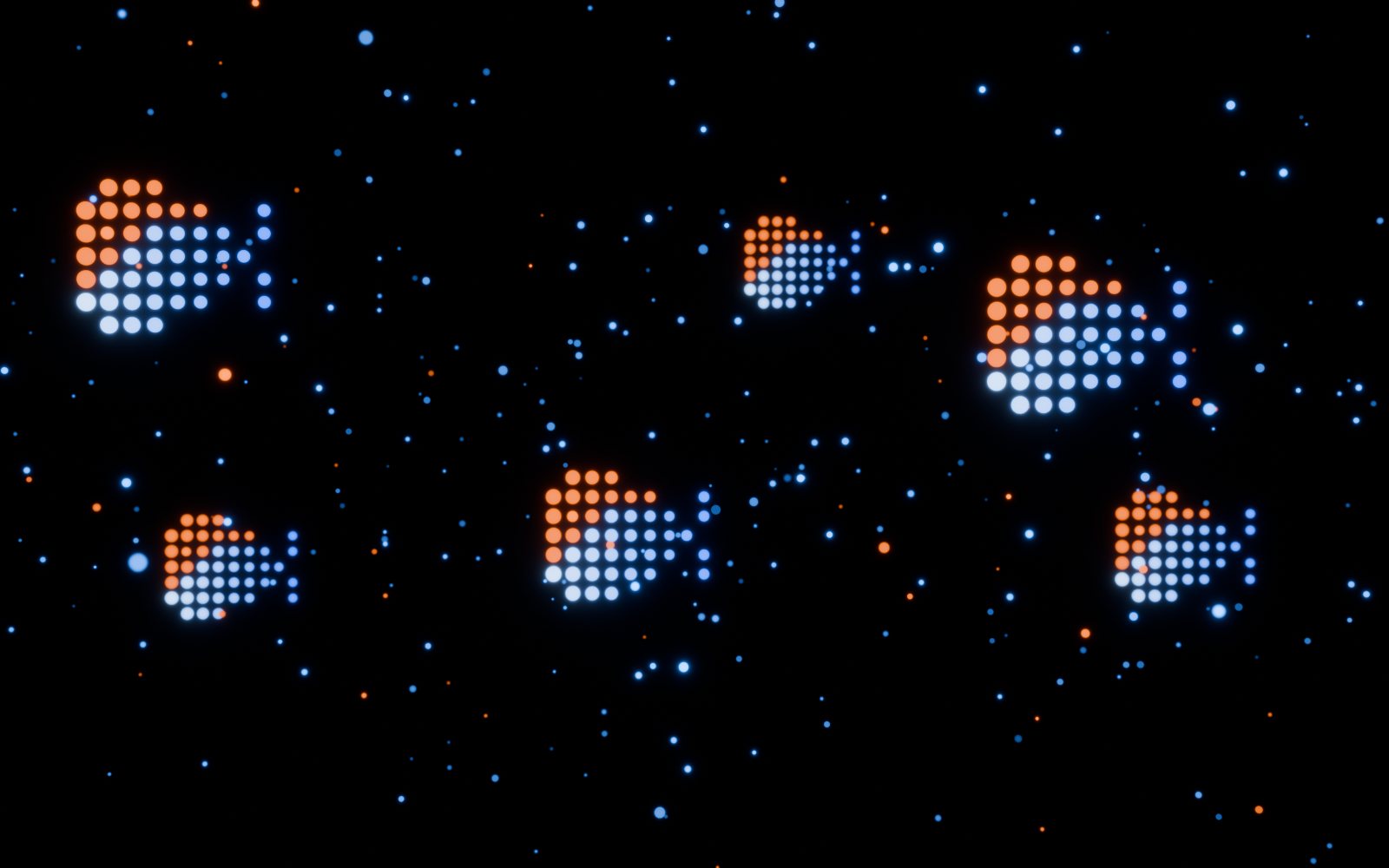
3D you can drop anywhere.
Build a 3D scene in your browser, then publish it as a component for Framer or Webflow, or as a video loop.
One scene. Every place you build.
- 001Framer
Code component, with property controls
Live - 002Webflow
Code component, the same scene
Live - 003Video loop
WebM orbit for any page, no WebGL
Live - 004Embed for any site
One line of HTML
Soon - 005React Three Fiber
Clean source for developers
Soon
Shape it here.
Edit mode, bevel, subdivide and sculpt, plus smooth blends between shapes. Make the object you need without leaving for another app.
Materials in layers.
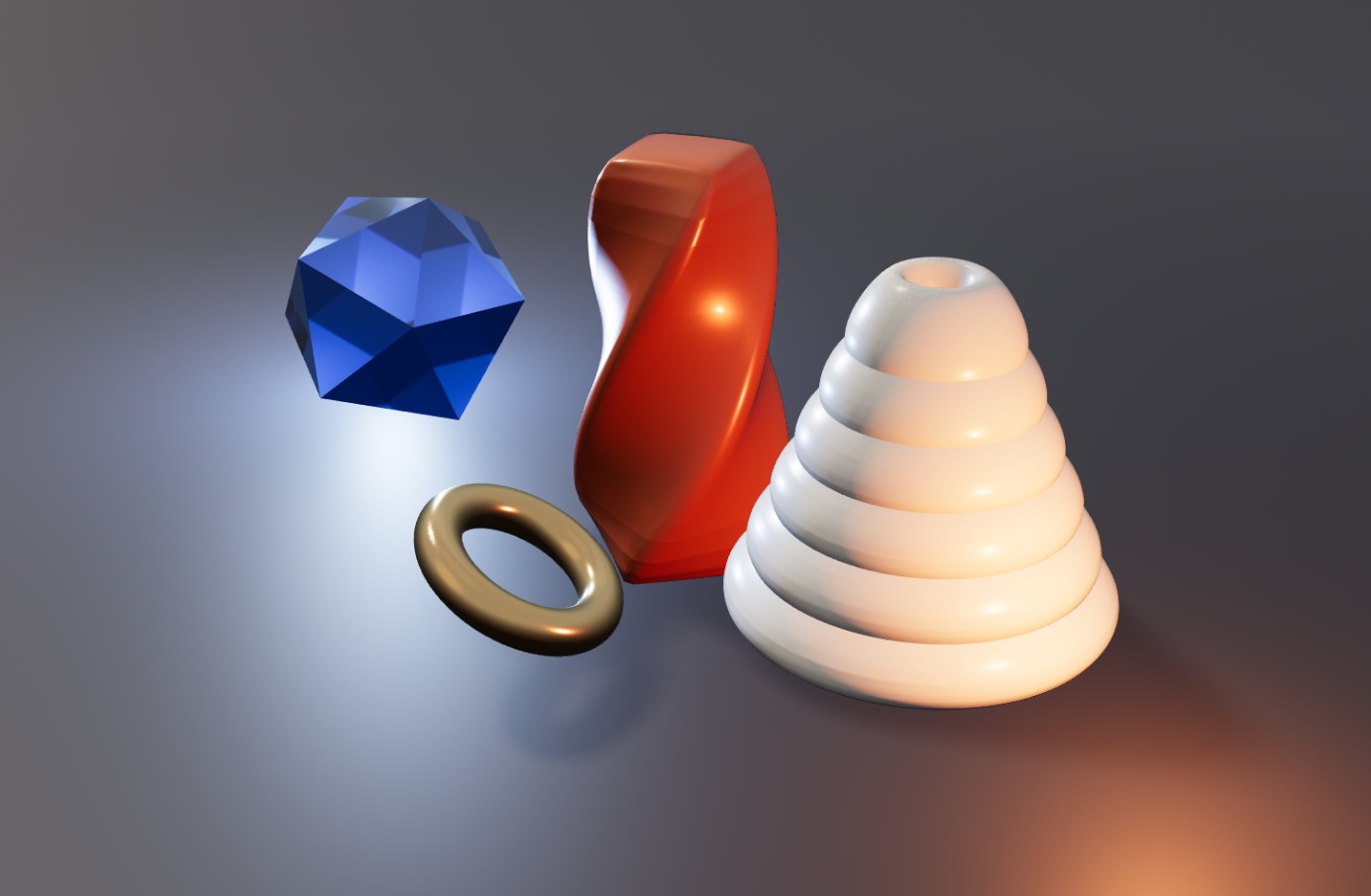
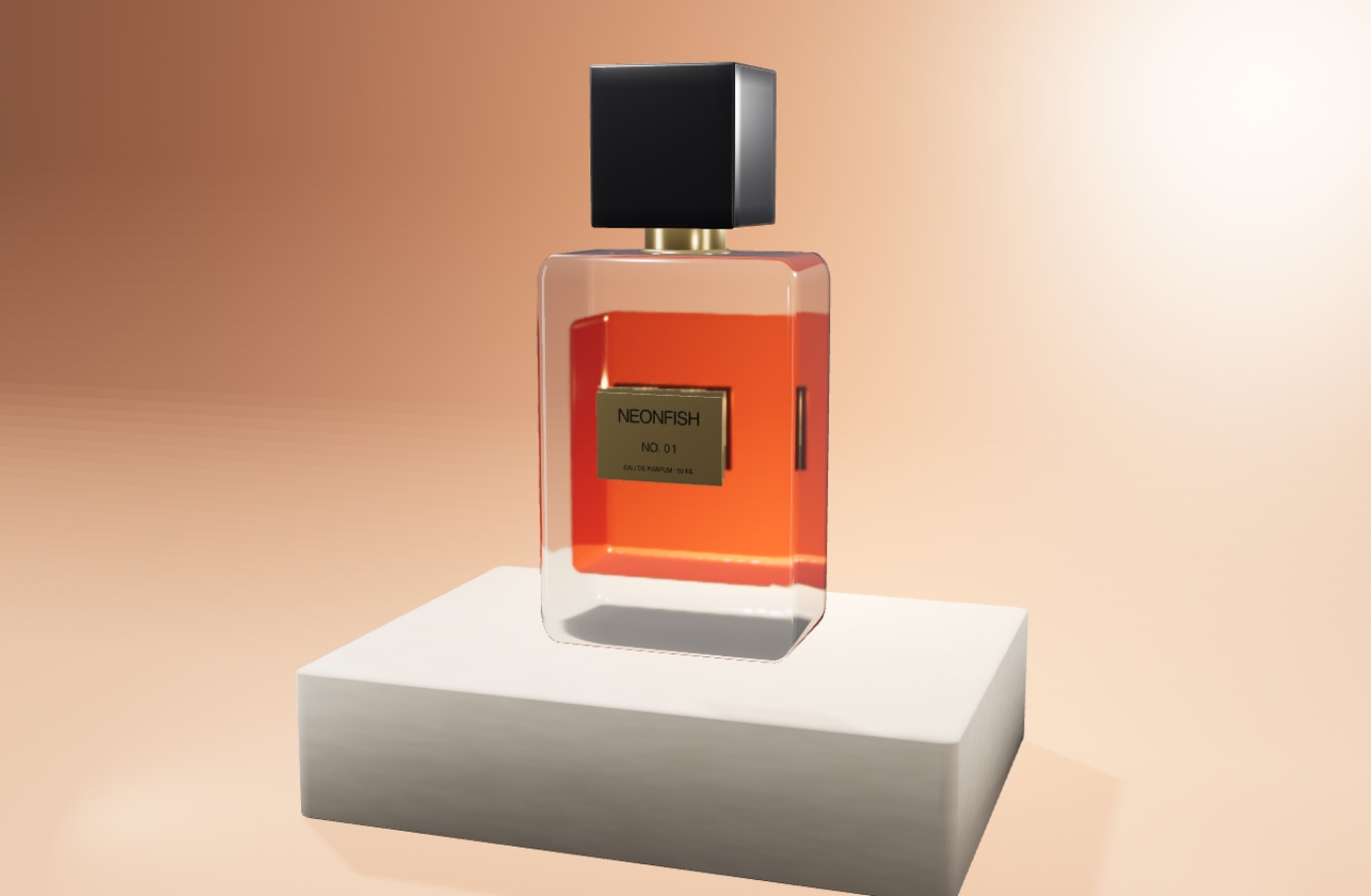
Stack colour, noise, images and depth into one material, the way you stack fills. Change any layer on its own.
- 01
Surface
Colour, Image
- 02
Stylised
Fresnel, Matcap, Toon, Outline, Depth
- 03
Detail
Noise, Pattern, Normal, Displace
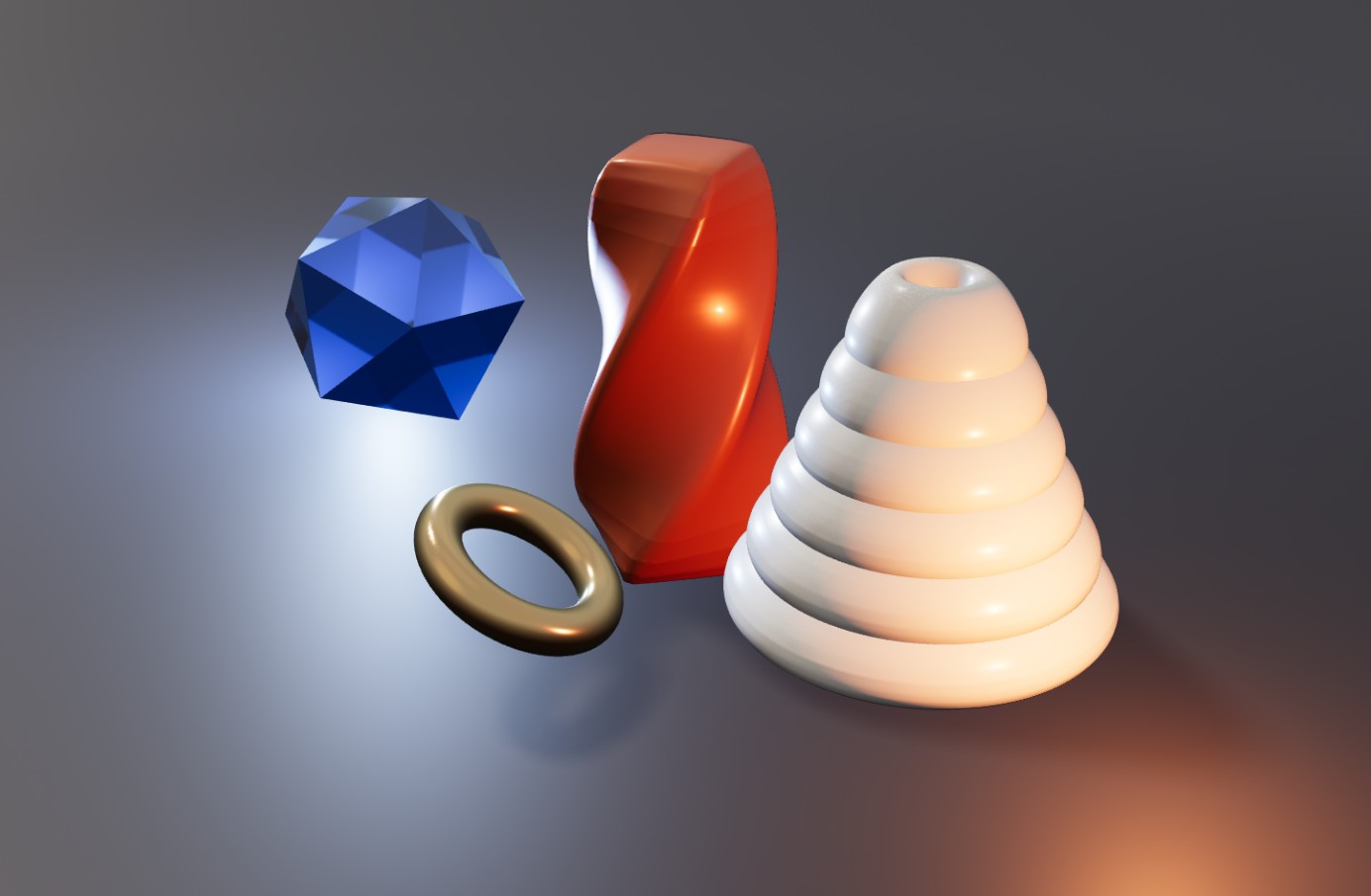
Light that sits things down.
Soft shadows, real light sources and HDRI environments, so objects look placed in the scene, not pasted on top.
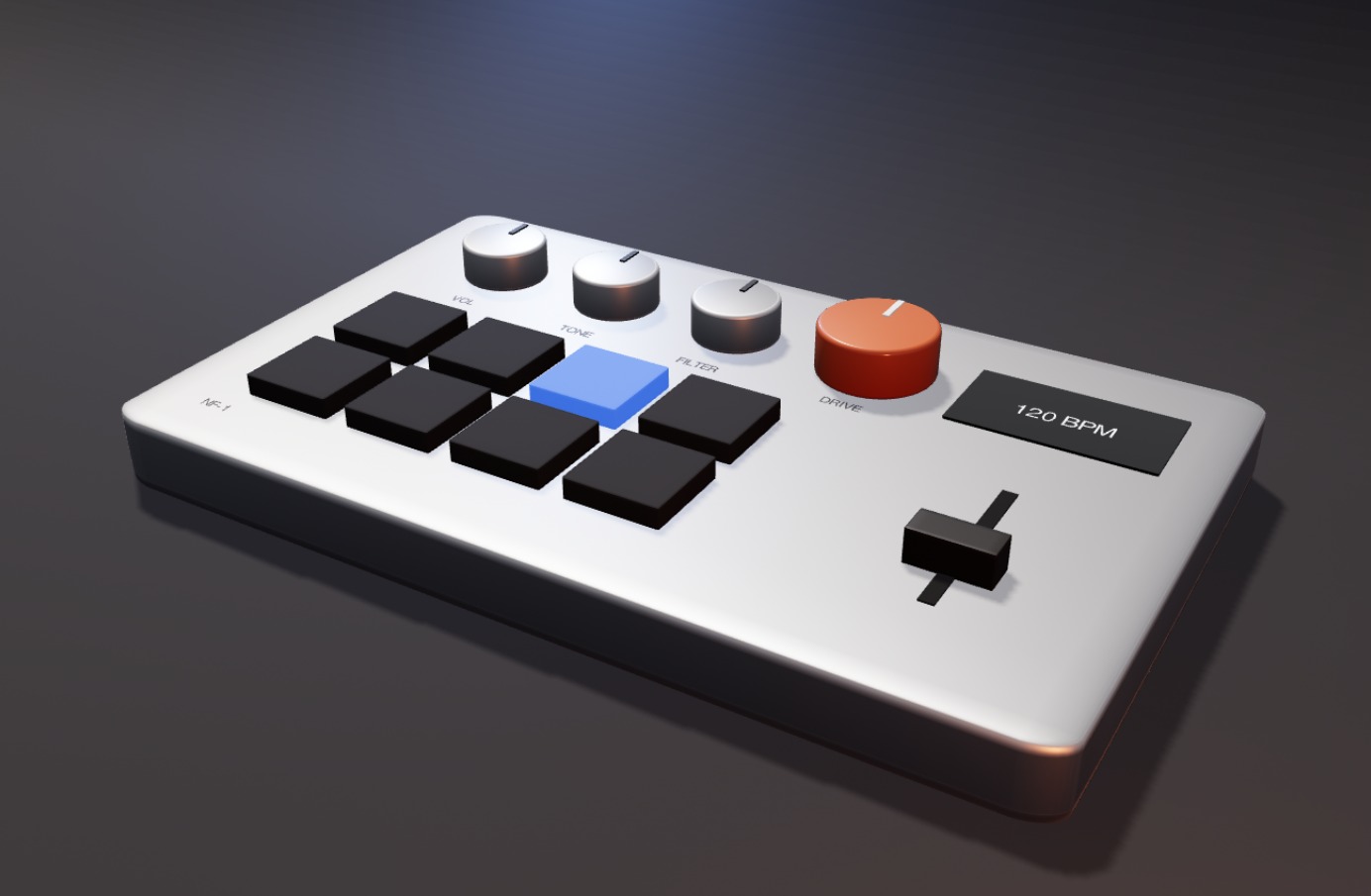
Hover, click, scroll. No code.
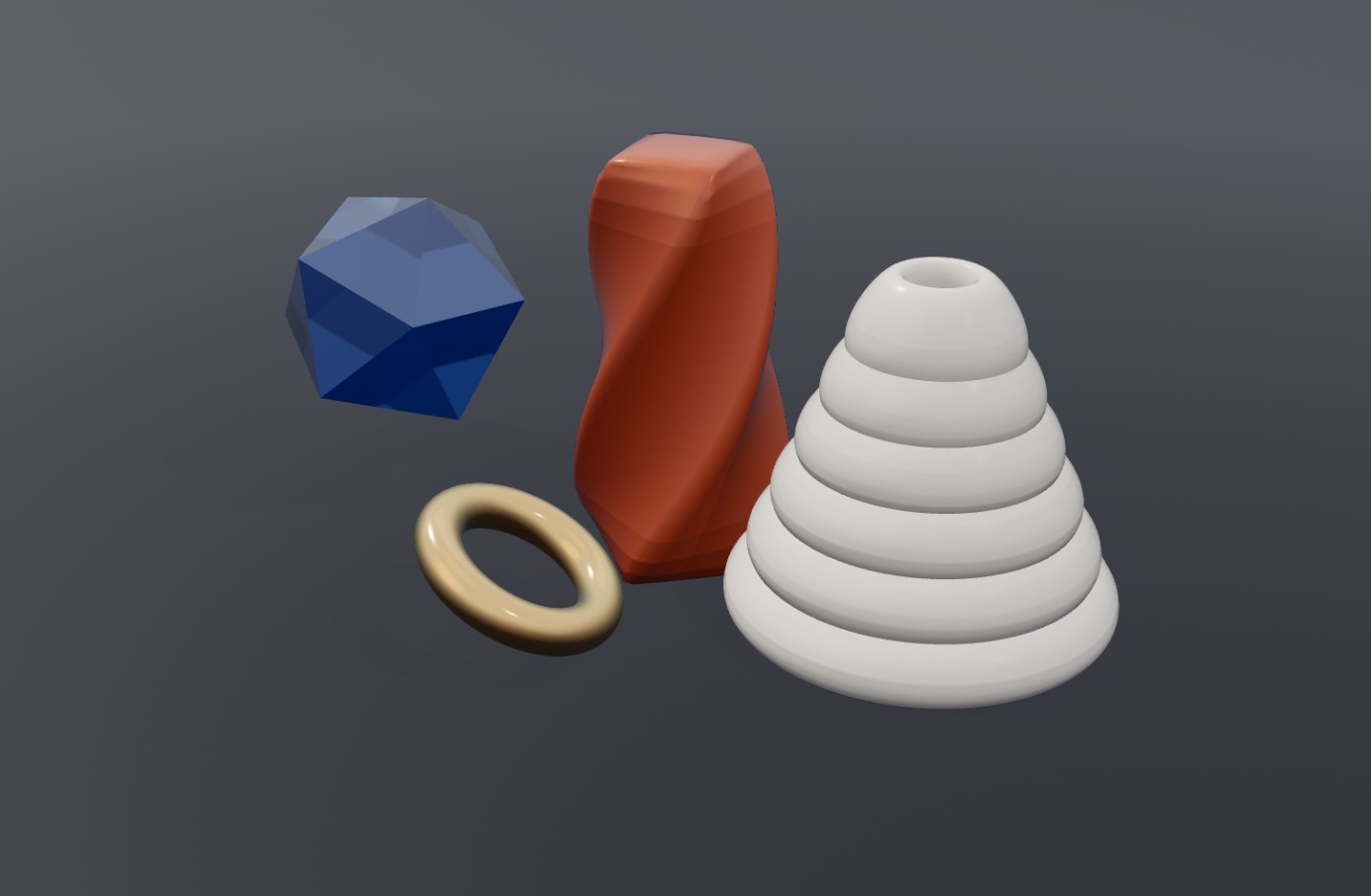
Give any object states, a float, tilt or spin, or a hotspot that opens a card. The interactions publish with the scene.
Things that fall, swing and drape.
Forces, joints and cloth, plus objects your visitors can grab and throw.
- 01
Gravity
- 02
Forces
- 03
Joints
- 04
Cloth
- 05
Grab and throw
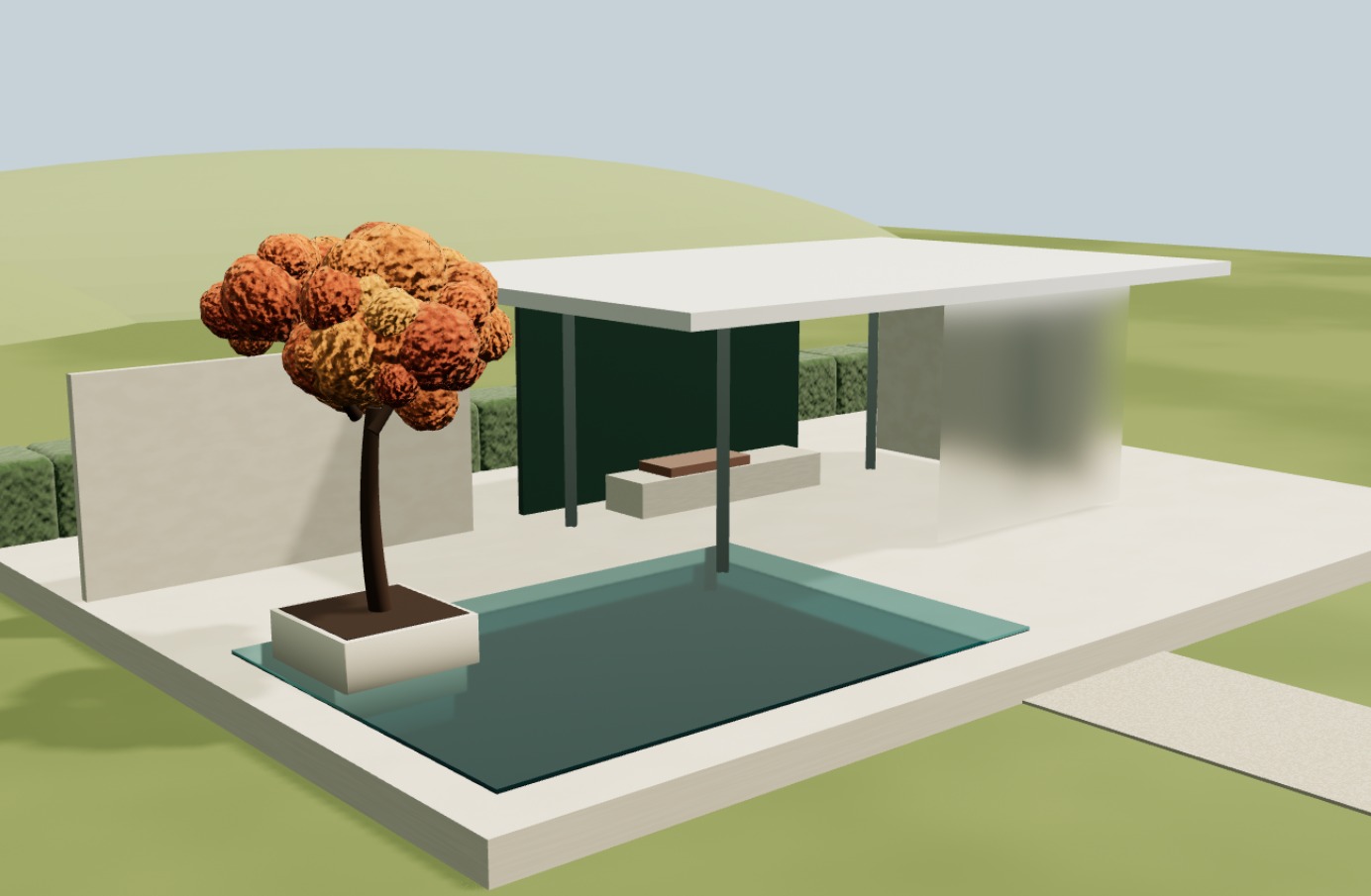
Frame it like a shot.
Set up cameras and shots, so the published scene opens on the view you designed.
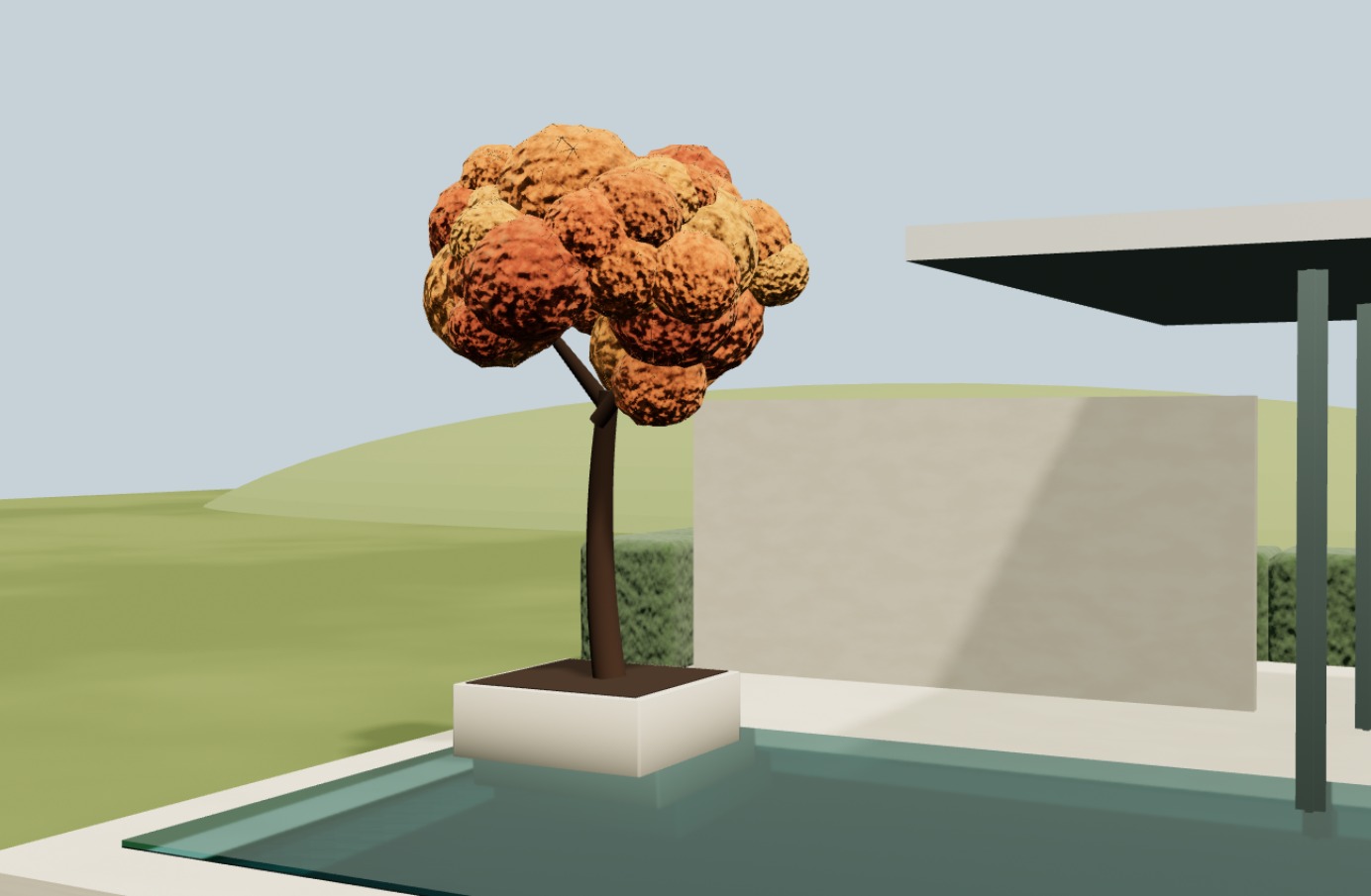
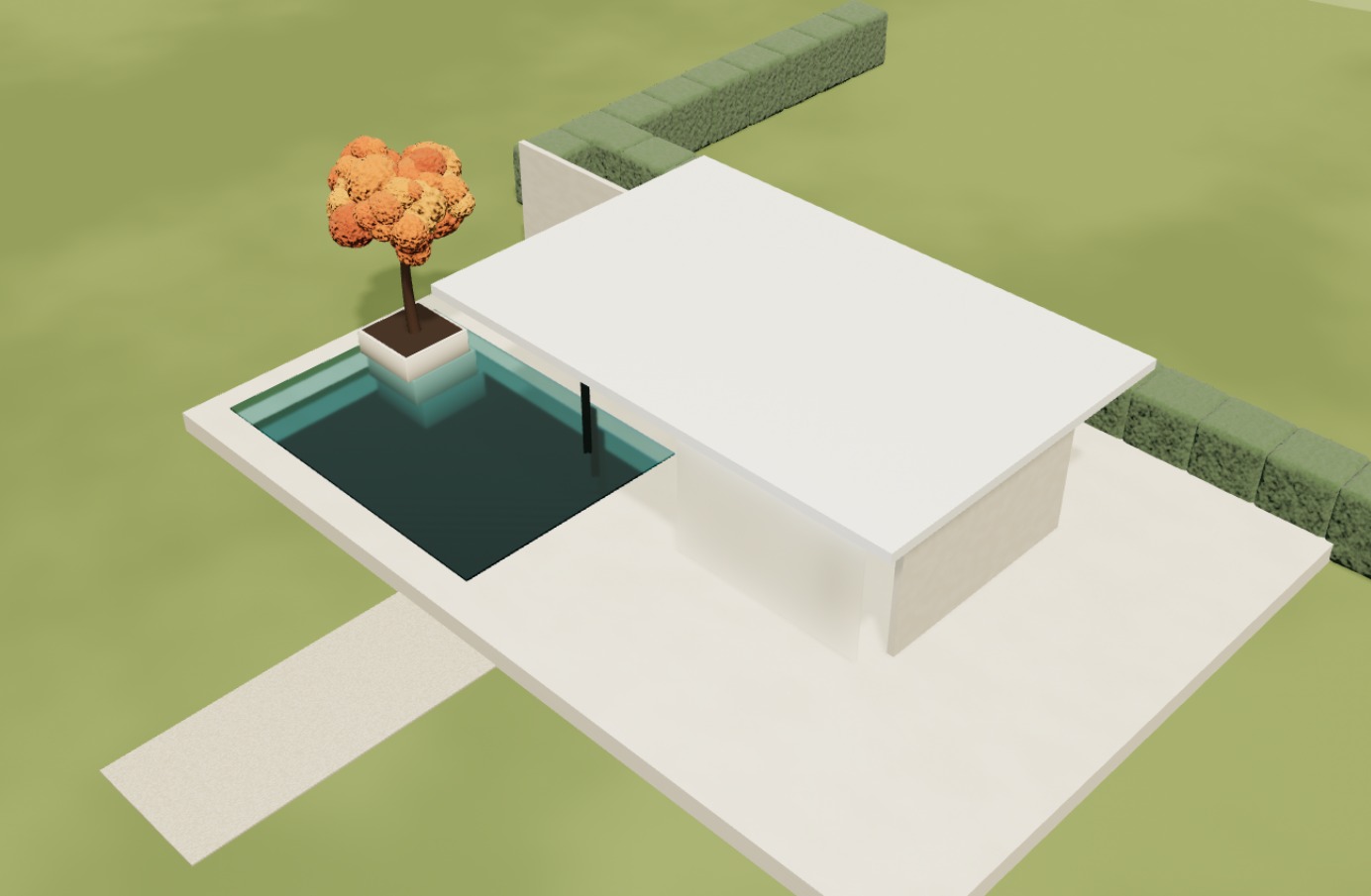
Bring your own models: GLB import.
Say the change. See it before it lands.
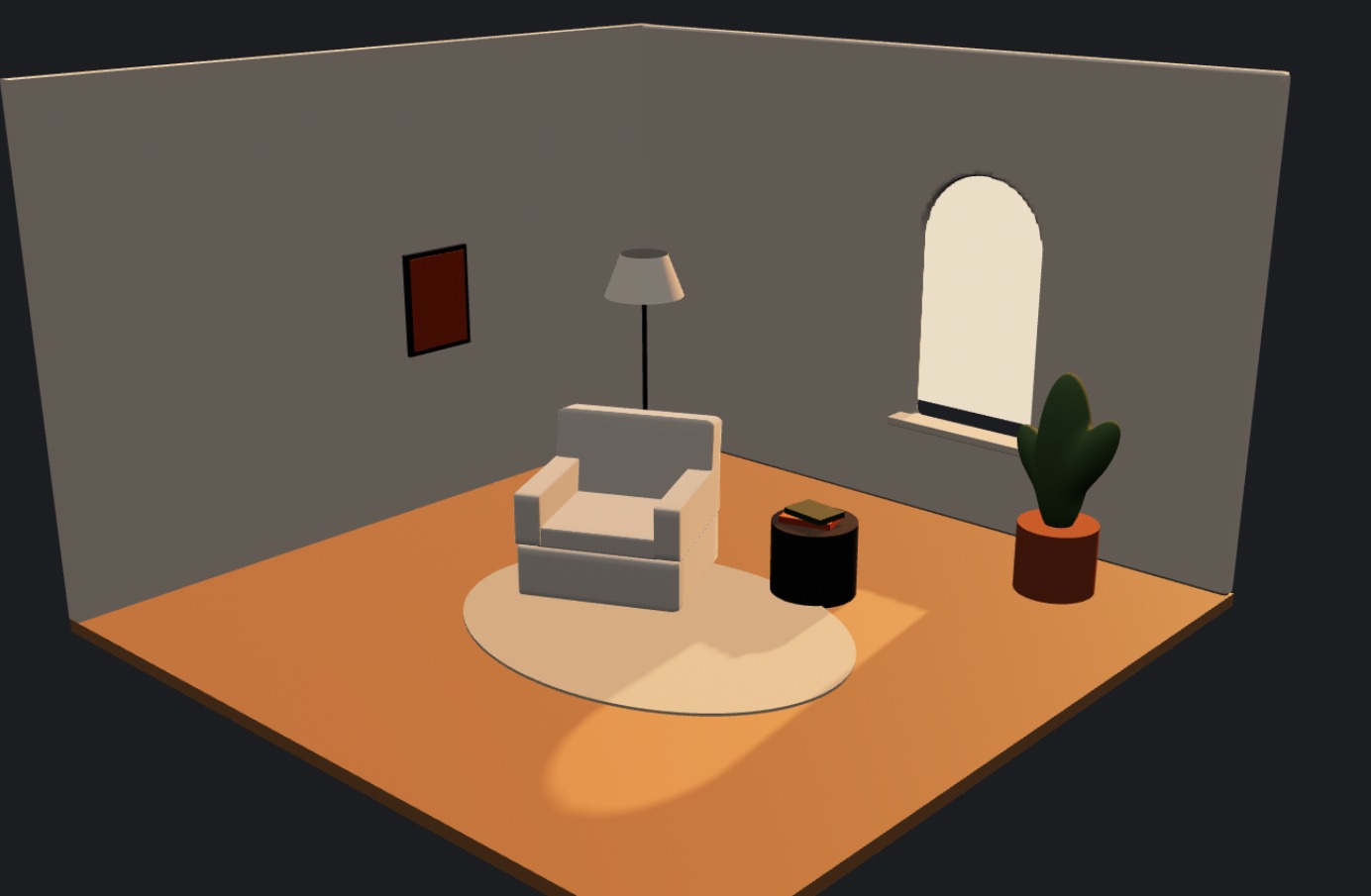
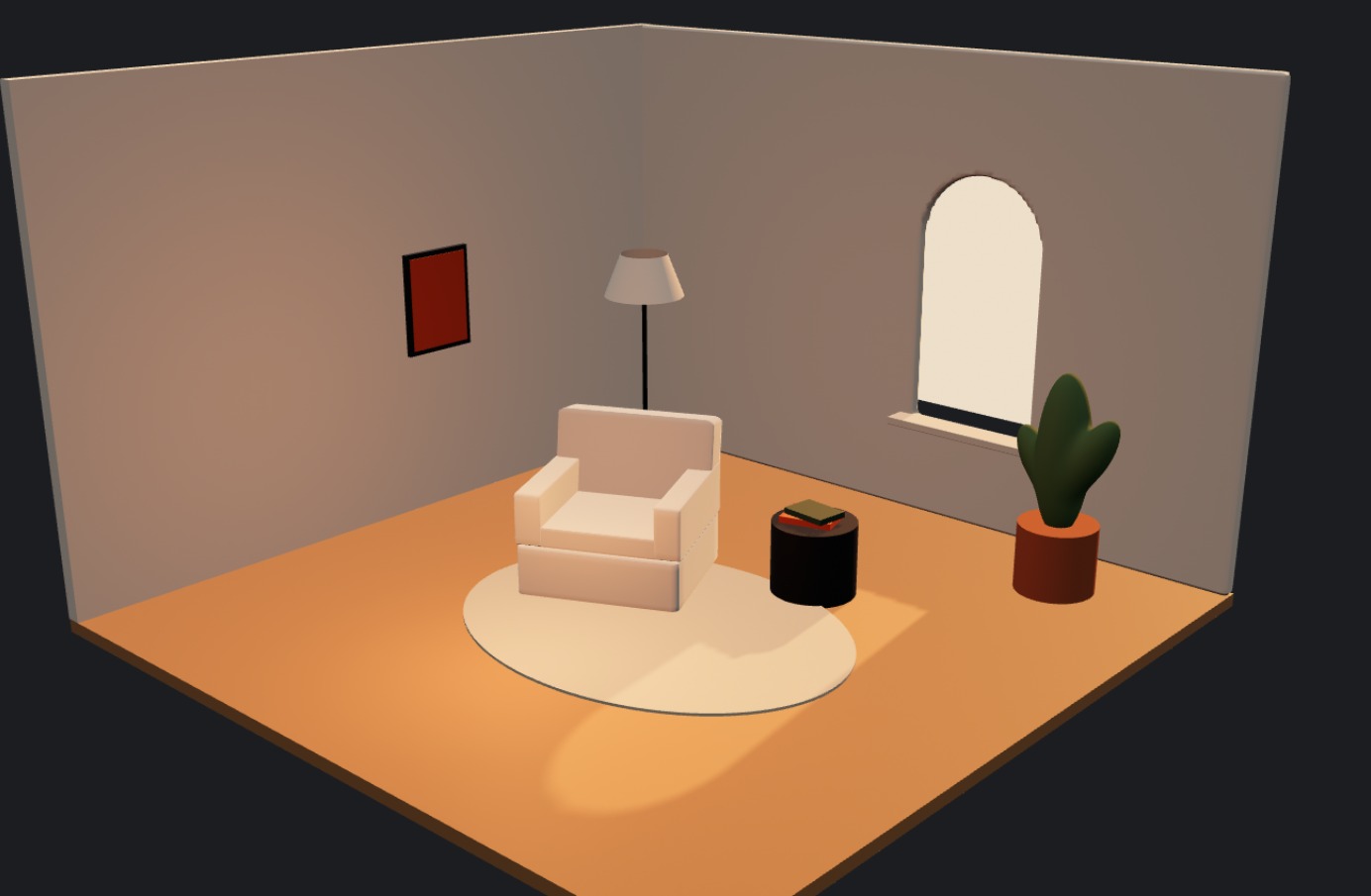
“Make this scene feel like golden hour.
- 01
Sun · Angle
18°, 3,200 K - 02
Floor bounce · Brightness
7 - 03
Sky fill · Brightness
16
The agent shows you the edits it plans to make, and you apply them when they look right. It edits your scene. It doesn't generate models, and it never changes anything you haven't approved.
The AI agent runs on Claude by Anthropic.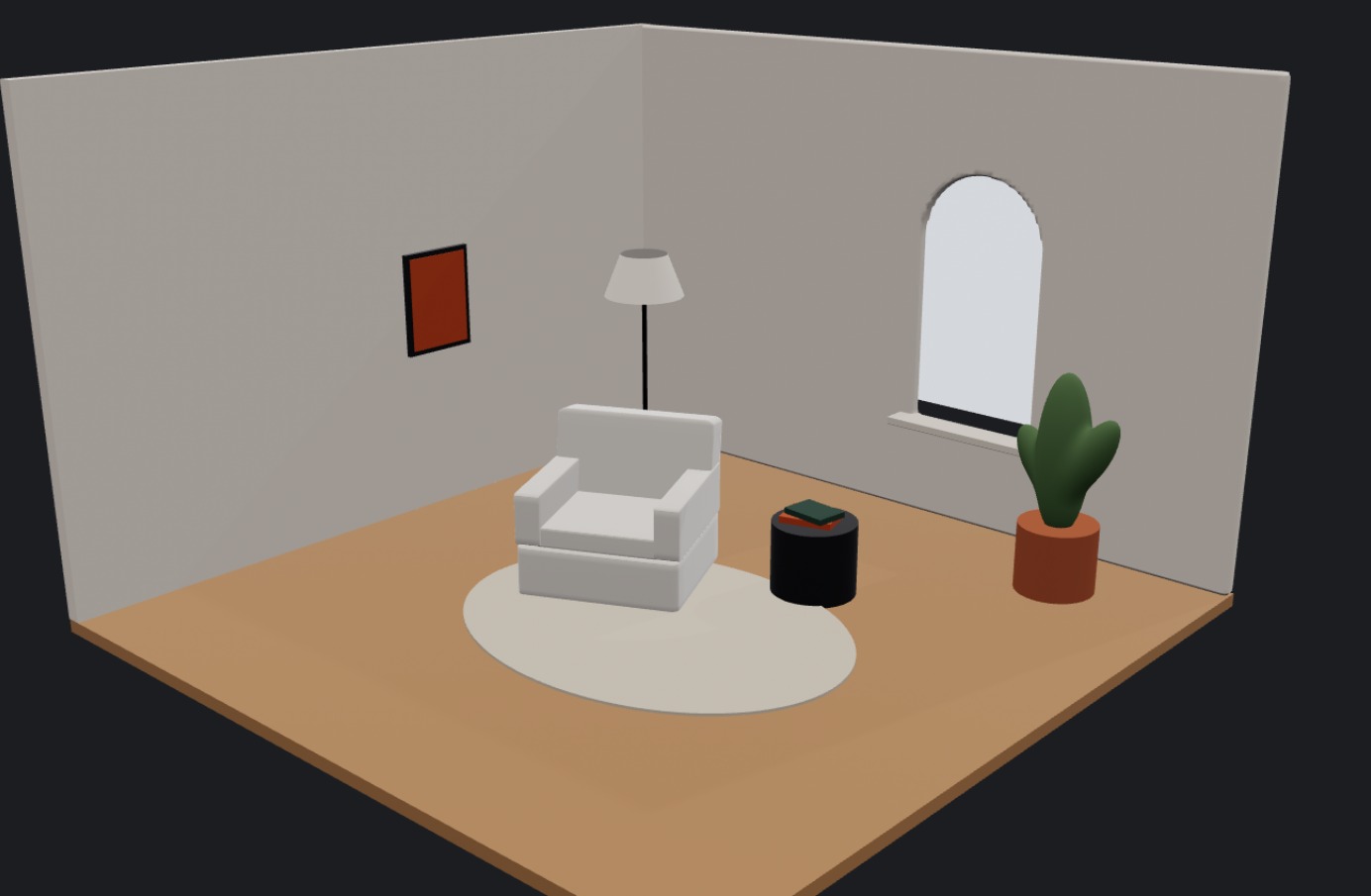
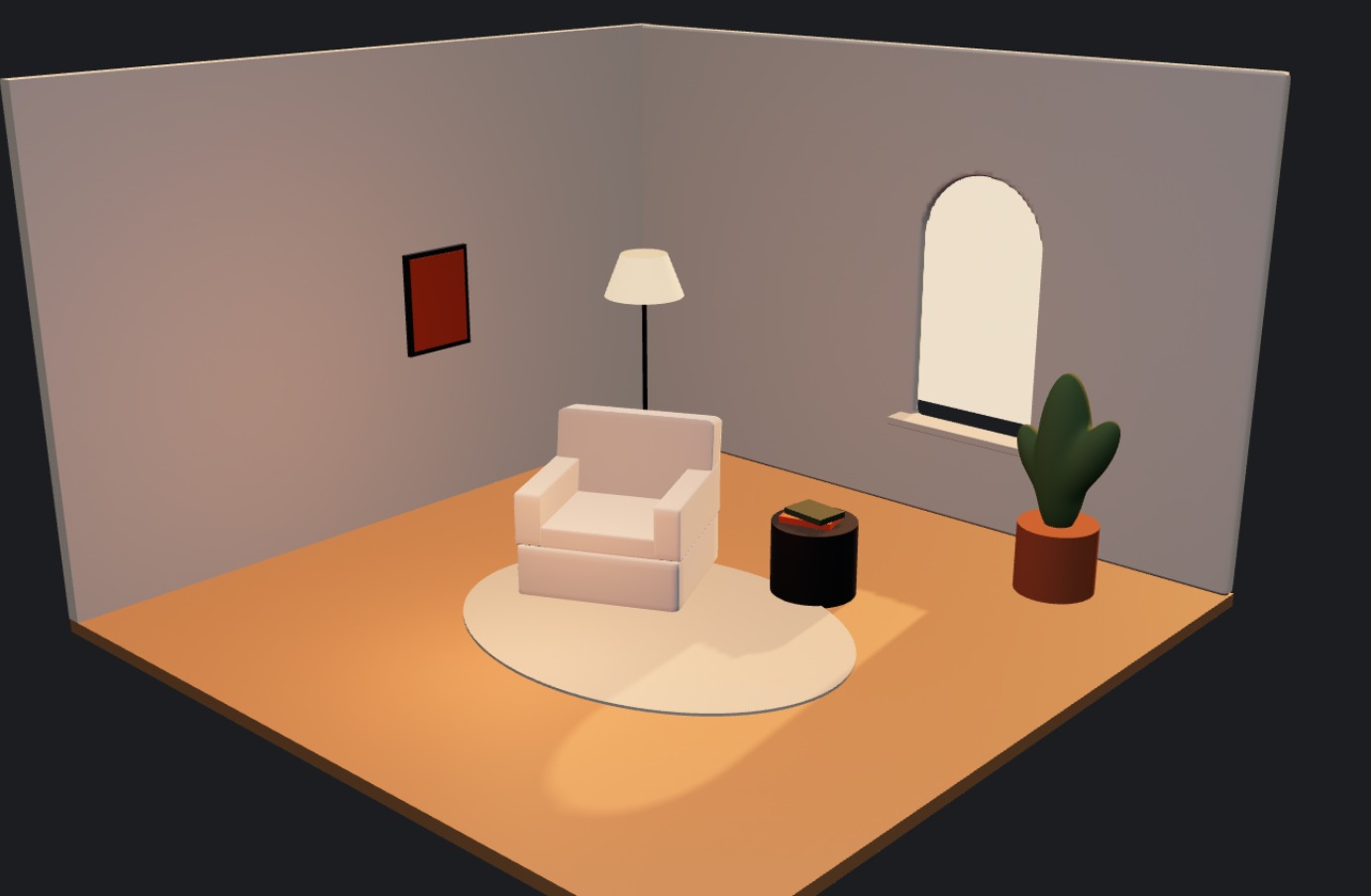
Bring your own AI.
Already use Claude, Codex or Cursor? Connect it to Neonfish. You type in your AI app, and the scene changes live in your Neonfish tab.
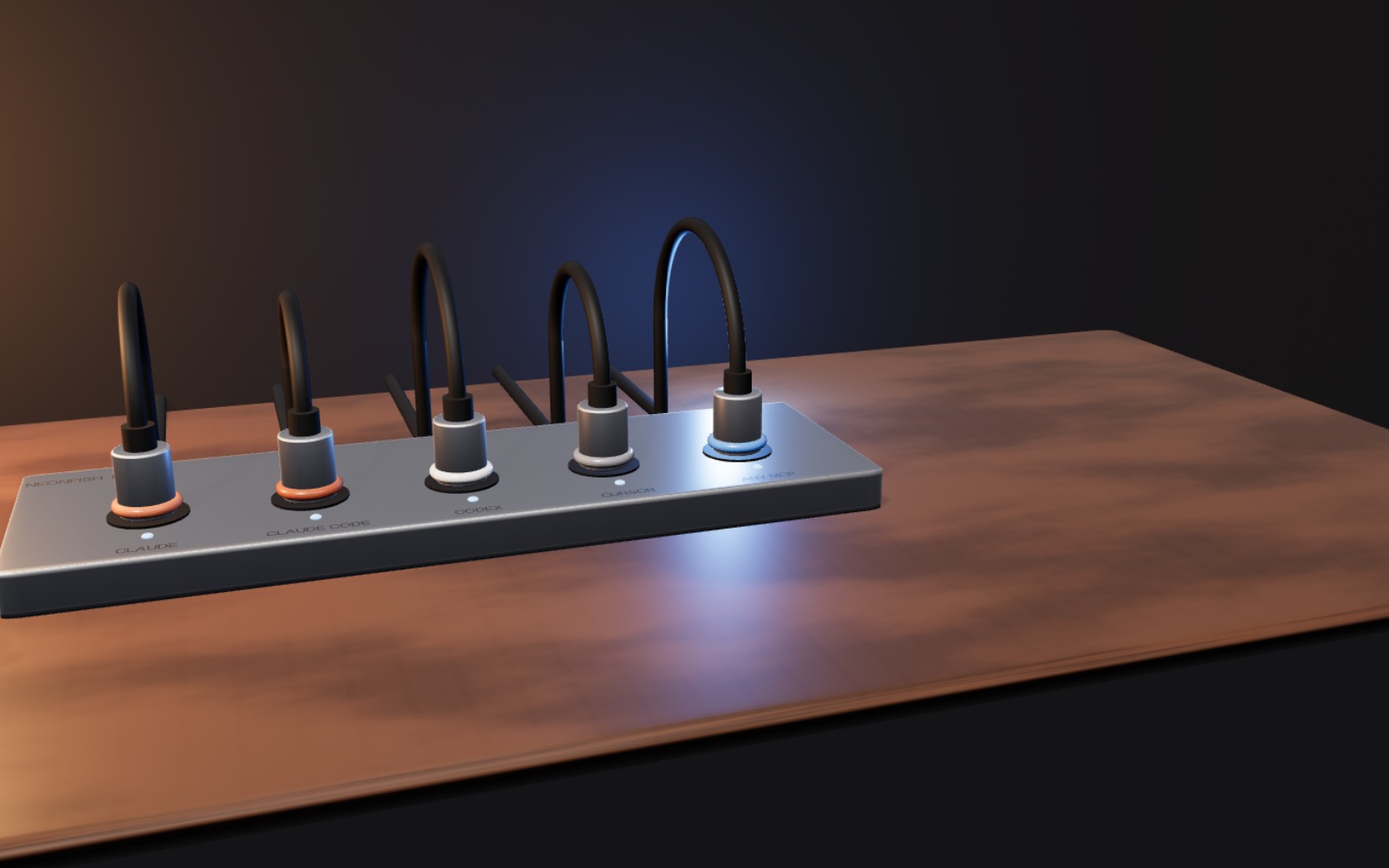
- 01
Type where you already work.
Claude, Codex, Cursor, or any app that supports MCP. No new chat to learn.
- 02
Your own AI does the thinking.
It runs on the AI subscription you already have.
- 03
You stay in control.
Off until you turn it on. Every change shows up as it happens, each one can be undone, and Stop disconnects in one click.
- 1
Turn it on.
In Neonfish, click Use your AI app and allow it to edit your scene.
- 2
Connect your app.
Add Neonfish to Claude, Codex or Cursor with one link.
- 3
Ask in your app.
“Use Neonfish to add a soft key light to my open scene.” Watch it happen in Neonfish.
Type in Neonfish
Runs on Neonfish
Nothing to set up
Type in Claude, Codex or Cursor
Runs on your own AI subscription
One link to connect
Type in Neonfish
Type in Claude, Codex or Cursor
Runs on Neonfish
Runs on your own AI subscription
Nothing to set up
One link to connect
From a first shape to your site.
- 01
Build.
Start with a shape, or import a GLB.
- 02
Refine.
Adjust it by hand, or tell the agent what you want.
- 03
Publish.
Copy the component or export the loop.
Be one of the
first 100.
Founding members get early access and a founding discount for their first year. We'll email the details before invites go out.
Join the waitlistQuestions, answered.
01When can I use it?
Beta invites go out from January in small batches, earliest sign-ups first. The public launch is planned for March 2027.
02What do I actually get when I publish?
A code component for Framer or Webflow, or a video loop. An embed for any site is coming.
03Do I need to know how to code?
No. You build, light and animate visually, then copy and paste what you publish.
04Is it only for Framer?
No. Framer is one of several places to publish. Webflow and video loops work today; an embed for any site and React Three Fiber source are coming.
05Can I bring my own 3D models?
Yes, as GLB files.
06Who owns what I make?
Your scenes are yours.
07Which browsers does it run in?
Current Chrome, Edge, Firefox and Safari on a computer with WebGL 2.
08Will a 3D scene slow my site down?
A scene further down the page loads nothing until a visitor scrolls near it, so it doesn't hold up the rest of your page. Its space is held from the start, so nothing jumps when it appears. Using several scenes on one page? They share one download.
09Can I use my own AI?
Soon. You'll be able to connect Claude, Codex or Cursor to Neonfish. You type in your AI app and the scene changes live in Neonfish.